How to Delete a WhatsApp Message Before the Recipient Reads It
Sending a message by mistake on WhatsApp can be stressful, especially if it was sent to the wrong person or contains incorrect information. Fortunately, WhatsApp offers a feature that allows you to delete a message for everyone — but only under specific conditions.
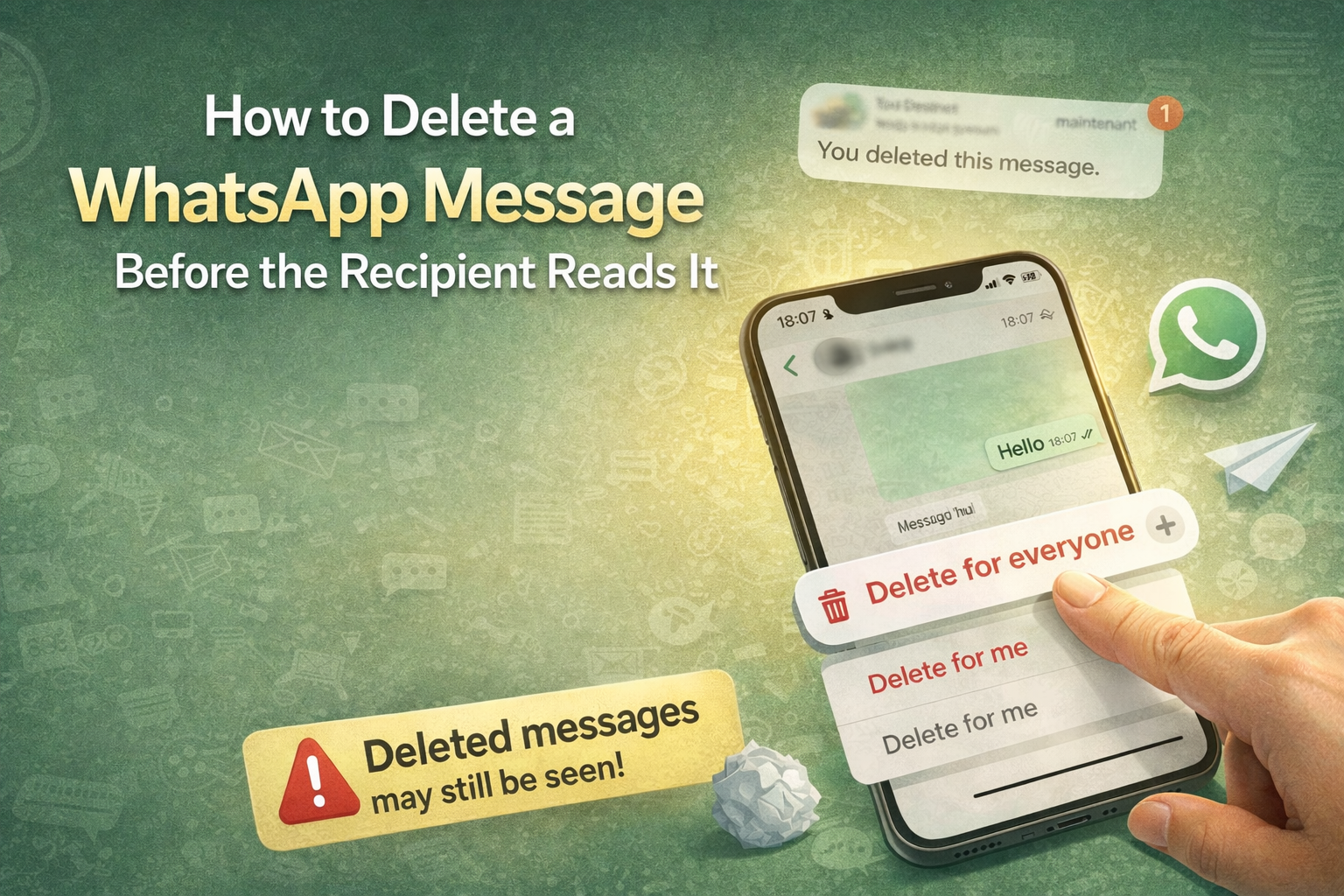
In this guide, we’ll explain exactly how to delete a WhatsApp message before it is seen, what happens after deletion, and important limitations you should be aware of.
Important Things You Should Know First
- You can only delete a message for everyone within WhatsApp’s allowed time window.
- The recipient may still see the message if notifications were enabled.
- Some users use third-party apps or screen recording tools that may save messages.
- WhatsApp will show a notice saying: “You deleted this message”.
Step 1: Open the WhatsApp Chat
Open WhatsApp and go to the conversation that contains the message you want to delete. Make sure you act quickly, especially if the message is sensitive.
Step 2: Long-Press the Message
Tap and hold the message you sent by mistake until the message options appear.
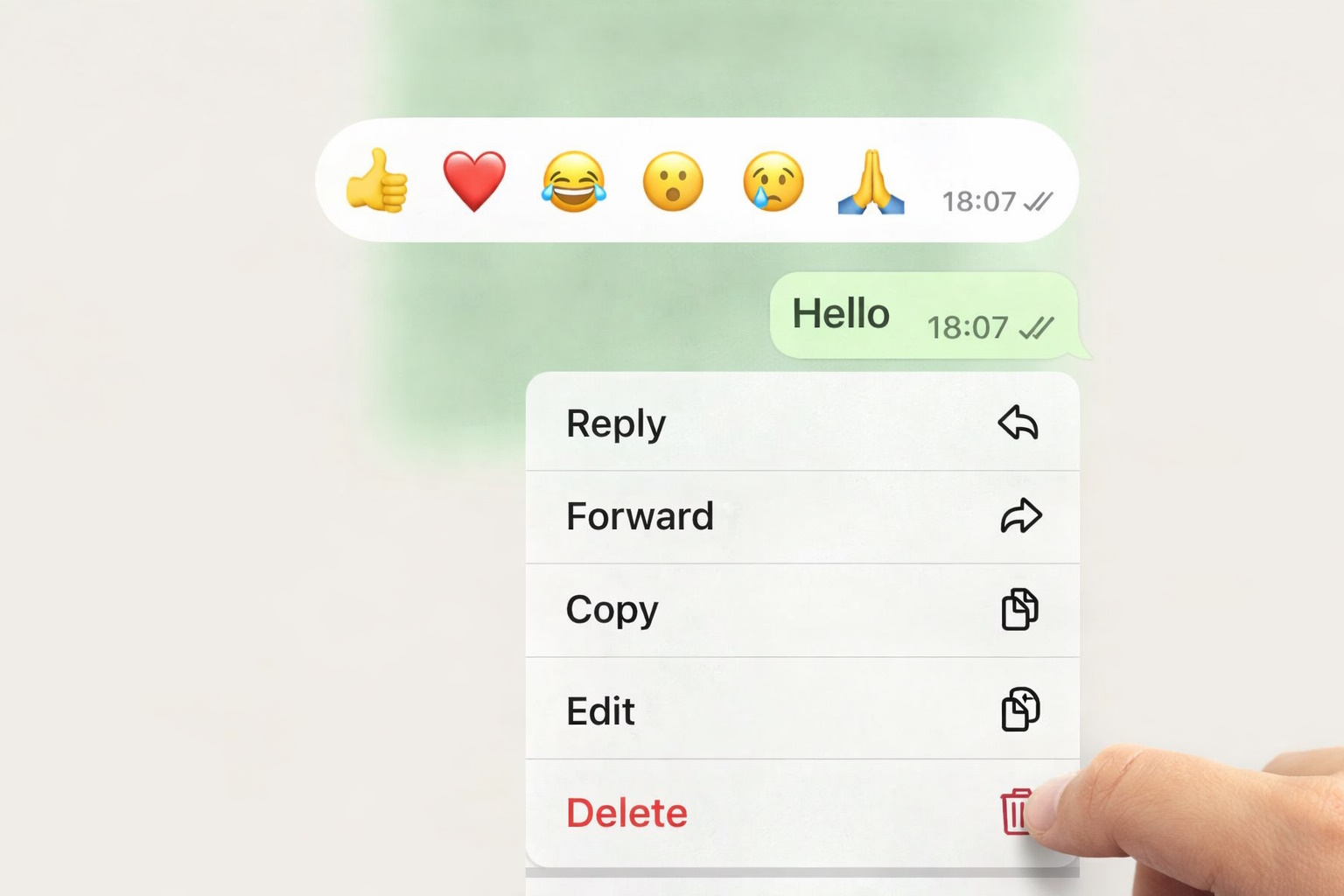
You will see a menu with several options such as Reply, Copy, Info, and Delete.
Step 3: Tap on Delete
From the menu, tap on Delete.
WhatsApp will now ask you how you want to delete the message.
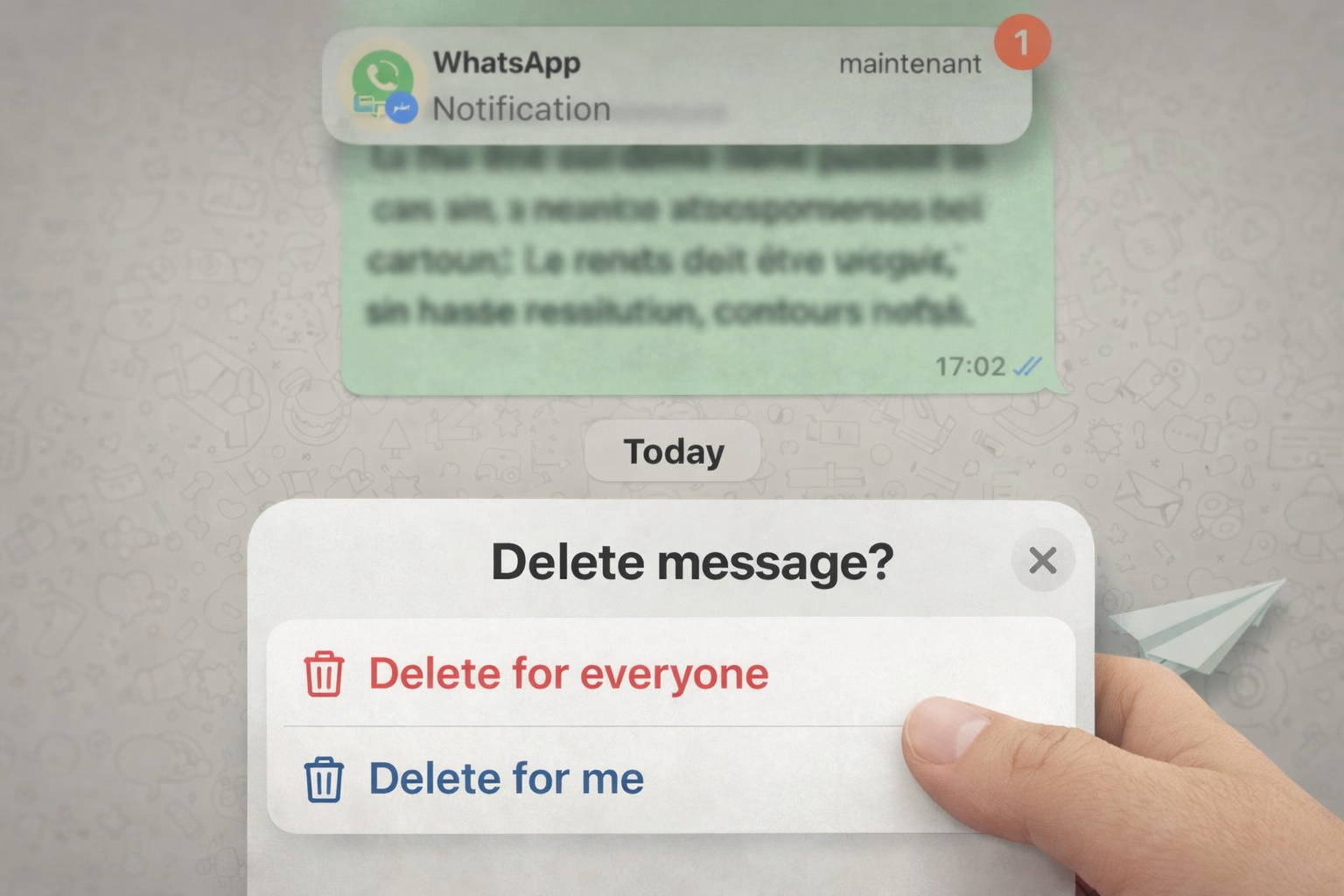
Step 4: Choose “Delete for Everyone”
Select Delete for Everyone. This option removes the message from both your chat and the recipient’s chat.
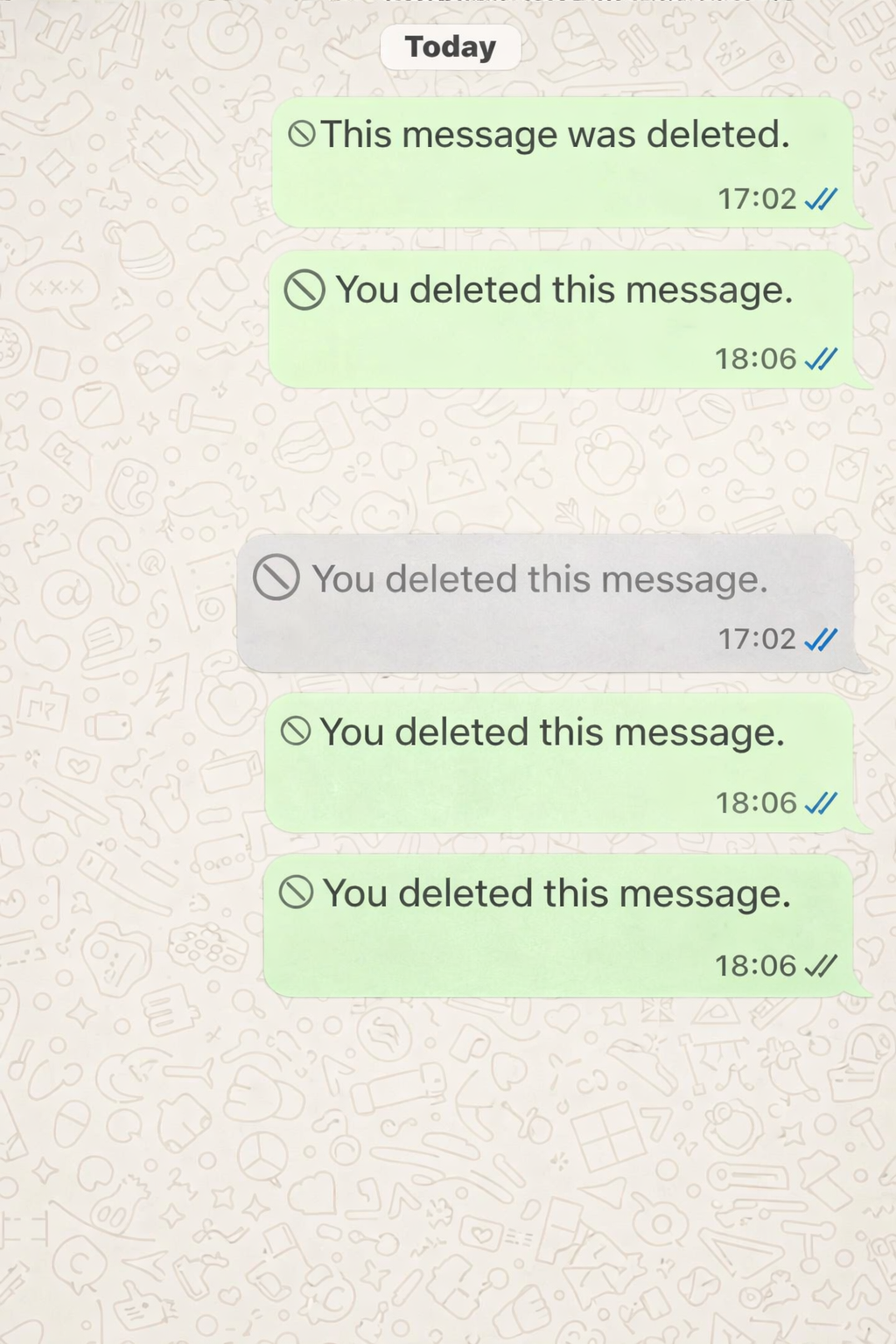
After deletion, the message will be replaced with a notice saying:
“You deleted this message.”
Can the Recipient Still See the Message?
In some cases, yes. Even if you delete the message for everyone:
- The recipient may have already read it.
- The message may have appeared in notifications.
- Some users use apps that log notifications.
- A screenshot could have been taken.
For these reasons, deleting a message is helpful — but not guaranteed.
What If “Delete for Everyone” Does Not Appear?
If you only see Delete for Me, it means:
- The allowed deletion time has passed.
- Your WhatsApp version is outdated.
- The recipient is using an incompatible version (rare).
Make sure WhatsApp is updated to the latest version from the App Store or Google Play.
Final Thoughts
WhatsApp’s “Delete for Everyone” feature is useful when you send a message by mistake, but it should not be relied on as a complete privacy solution.
The safest approach is always to double-check messages before sending — especially in professional or sensitive conversations.
This guide is based on WhatsApp’s official behavior and does not promote or rely on unofficial tools or methods.