Send Files to TV Review: The Smart Way to Transfer and Install Apps on Android TV
Managing files and installing apps on Android TV, Google TV, or TV Box devices can quickly become frustrating—especially without a built-in browser or file manager. Send Files to TV, also known as Send to TV Quick, offers a simple and secure solution designed specifically for large-screen Android devices.
This review explores how the app works, what makes it different from traditional tools like Downloader, and whether it is worth using as an all-in-one file transfer and APK installation solution.
What Is Send Files to TV?
Send Files to TV is an Android TV application available on Google Play that allows users to:
- Transfer files from a phone, tablet, or computer to a TV
- Install APK, XAPK, APKM, and APKs files directly
- Download apps using links or Downloader-style codes
- Send files in both directions (TV ↔ phone)
Unlike many similar apps, Send Files to TV does not require installing a companion app on your phone, which makes it more secure and convenient.
How Send Files to TV Works
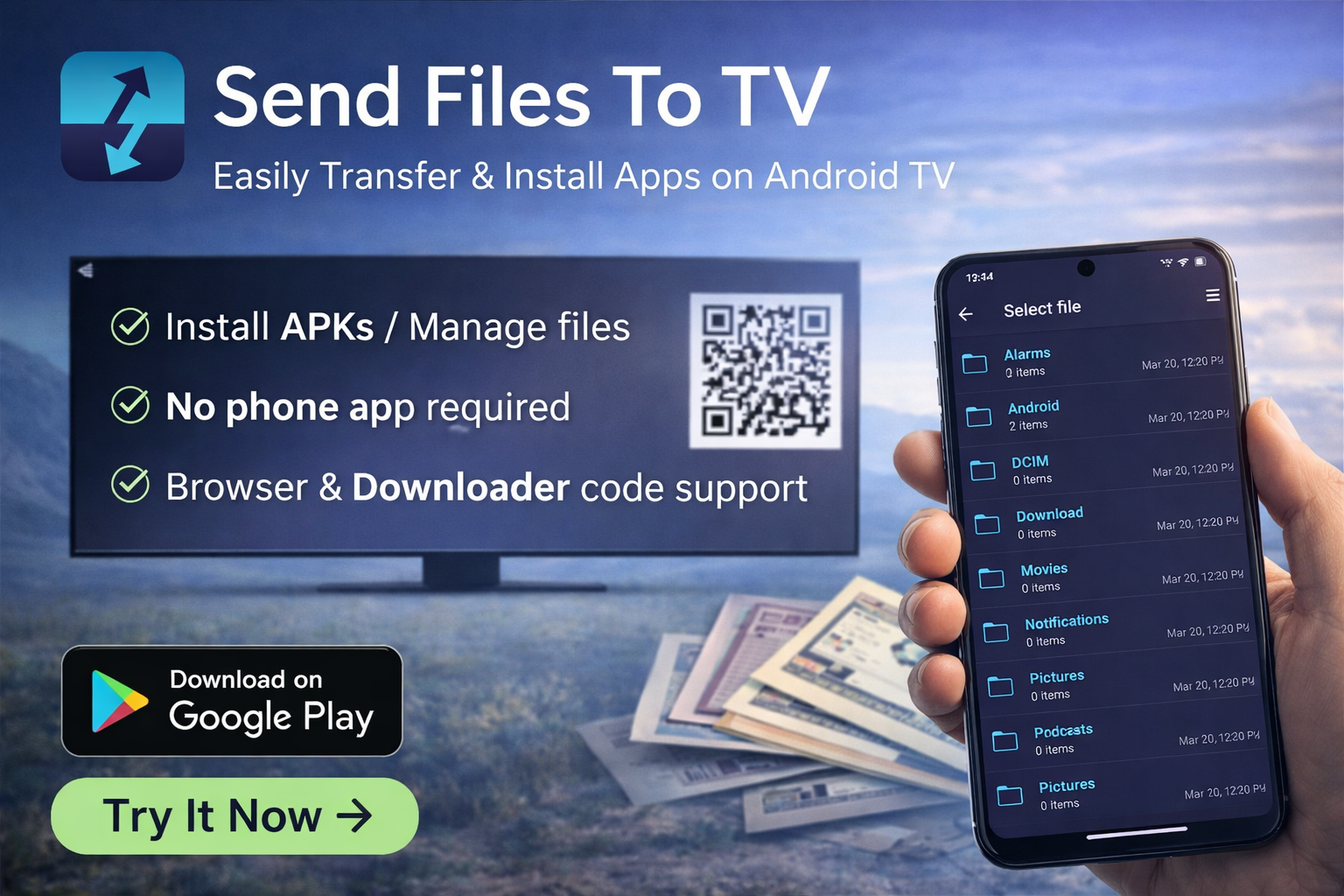
The app runs directly on your Android TV or TV Box. Once opened, it generates a QR code and a connection code.
From your phone or computer, you simply open a web browser and visit the official web interface. After scanning the QR code or entering the connection code manually, the connection is established instantly—no app installation required on your phone.
Once connected, you can upload files, install apps, or download content directly on your TV.
Key Features
- APK & App Installation: Install APK, XAPK, APKM, and APKs formats easily
- Built-in Browser: Download apps directly from trusted sources
- Downloader Code Support: Works with common Downloader-style numeric codes
- No Phone App Required: Transfer files via any web browser
- Two-Way Transfer: Send files from phone to TV or TV to phone
- Offline Friendly: Does not require being on the same Wi-Fi network
- Lightweight: App size is around 23 MB
Performance and Ease of Use
Send Files to TV is designed for simplicity. The interface is clean, responsive, and optimized for remote control navigation. File transfers are fast, and APK installations complete smoothly without unnecessary error messages.
The app also keeps a history of downloaded and installed files, making it easy to reinstall or remove apps when needed.
Security and Safety
The application is officially available on the Google Play Store and follows Android permission standards. Since it does not require installing anything on your phone, it reduces potential security risks related to third-party mobile apps.
However, users should always download APK files from trusted sources and take responsibility for verifying file safety.
Pros and Cons
Pros
- No companion app required on phone
- Supports multiple app formats
- Built-in browser and downloader code support
- Fast and reliable file transfer
- Very lightweight
Cons
- No Arabic language support
- Basic browser compared to full web browsers
- Advanced users may want more customization options
Who Should Use Send Files to TV?
This app is ideal for:
- Android TV and Google TV users
- TV Box and TV Stick owners
- Users who frequently install APK apps
- Anyone who wants a Downloader alternative
Download Send Files to TV
You can download the official version of Send Files to TV directly from Google Play:
Final Verdict
Send Files to TV is one of the most practical tools available for Android TV users. It replaces multiple apps—file transfer tools, browsers, and APK installers—into one lightweight and reliable solution.
If you are looking for a safe, efficient, and user-friendly way to manage files and apps on your TV, Send Files to TV is absolutely worth trying.
Download Send Files to TV
Get the official version of Send Files to TV from Google Play and start transferring files to your Android TV easily.
📥 Download on Google Play